
Download PS Remote Play – remote play, PlayStation 4, PlayStation 5, PC gaming, remote console control, game streaming, PS4, PS5, PlayStation streaming
Overview
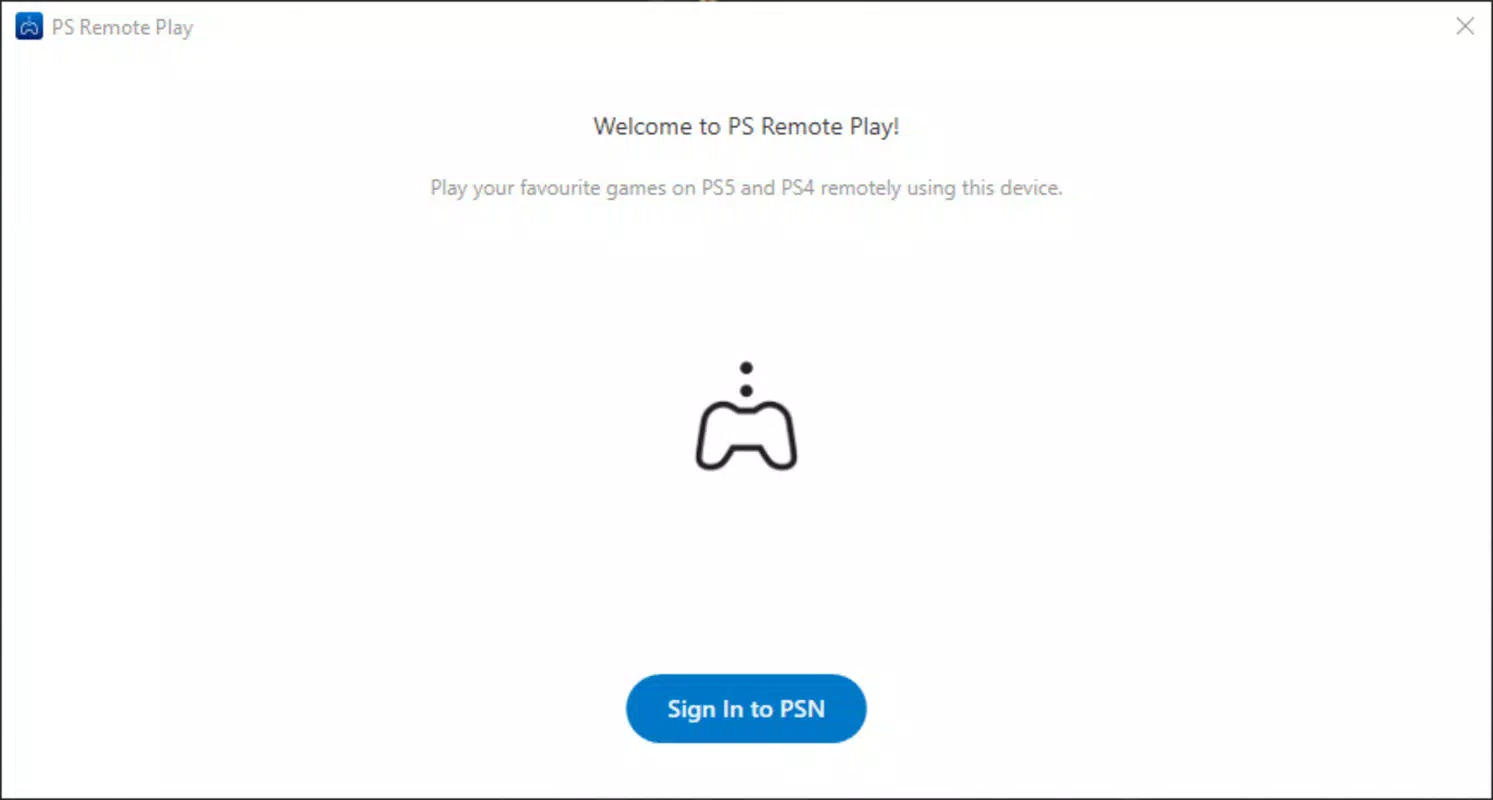
PS Remote Play is a mobile and desktop application developed by Sony Interactive Entertainment, designed to extend the reach of PlayStation 4 and PlayStation 5 consoles beyond the living room. The app enables users to stream gameplay and control their console remotely from compatible devices, including Android, iOS, Windows, and macOS platforms. Its primary purpose is to provide a seamless bridge between console gaming and personal computing environments, allowing users to access their favorite games and media content from anywhere with a stable internet connection.
The app addresses common user pain points such as limited console availability, lengthy system updates, and the desire for flexible gaming setups. It is particularly useful for gamers who want to continue playing while away from their TV, or those who wish to download large updates in advance before returning home. By enabling remote console activation, PS Remote Play ensures that the system is ready to use upon arrival, saving valuable time and enhancing convenience.
Target users include PlayStation owners seeking greater flexibility in how and where they play, as well as casual users interested in streaming high-quality video content from their console. The app plays a significant role in Sony’s broader ecosystem by strengthening cross-device integration and reinforcing the value of owning a PlayStation console. Its presence across multiple platforms underscores Sony’s commitment to accessibility and user-centric design.
Key Features & Functionality
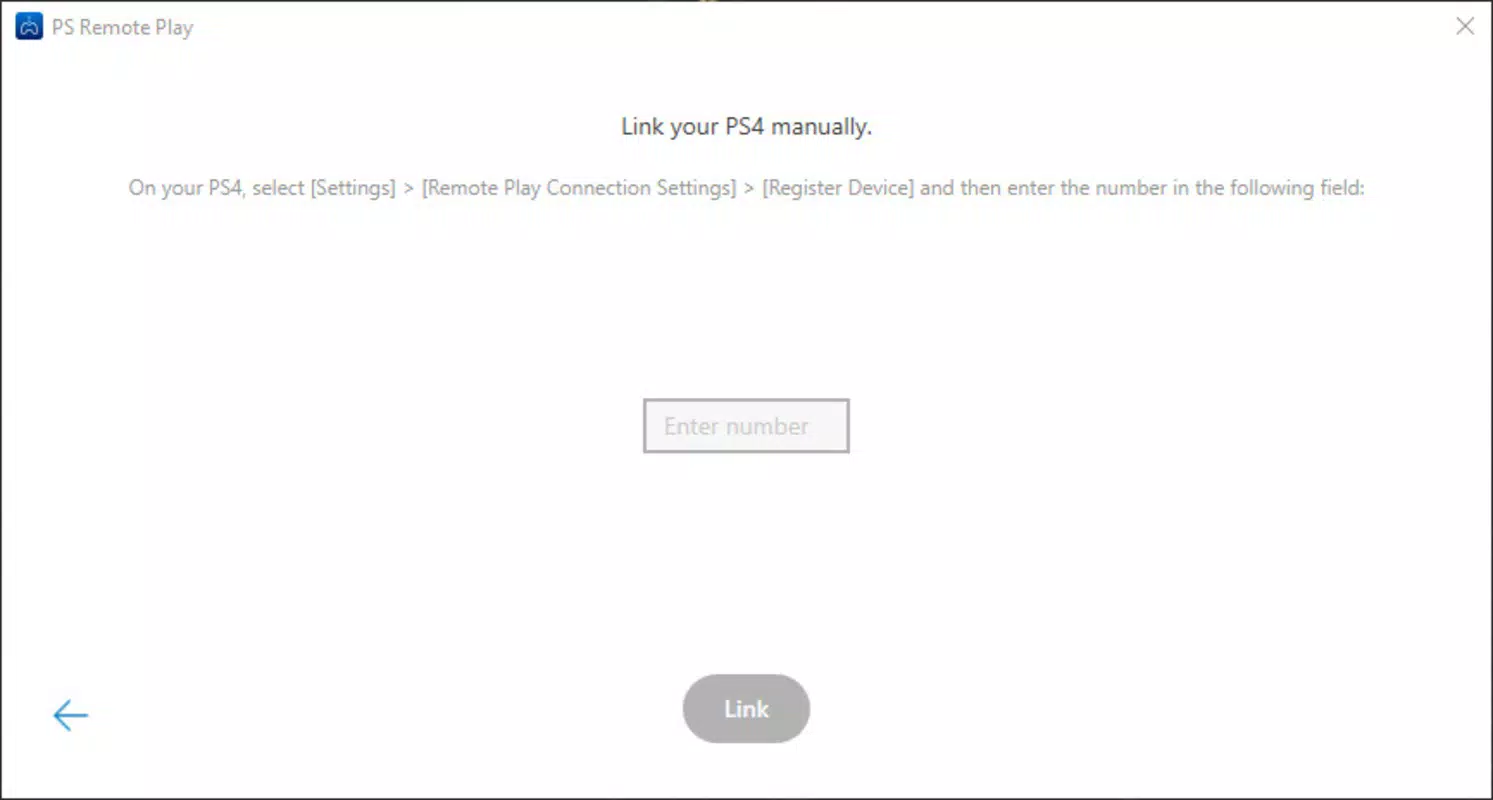
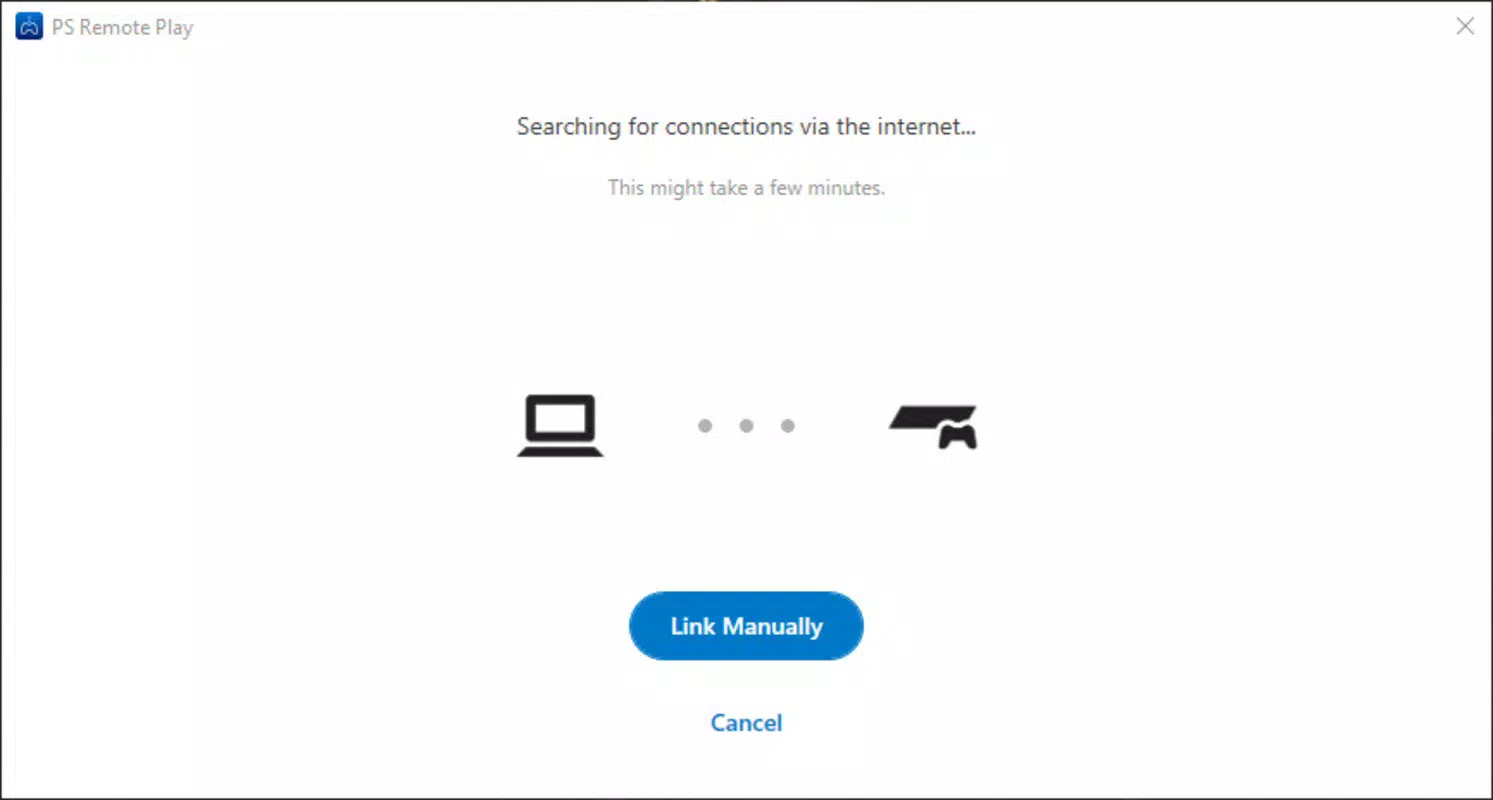
- Remote Console Control: Users can fully control their PlayStation 4 or 5 from a PC or mobile device, accessing the console’s interface, launching games, and managing settings remotely.
- PS4/PS5 Controller Support: The app supports direct connection of official PlayStation controllers via USB or Bluetooth, providing a responsive and authentic gaming experience on non-console devices.
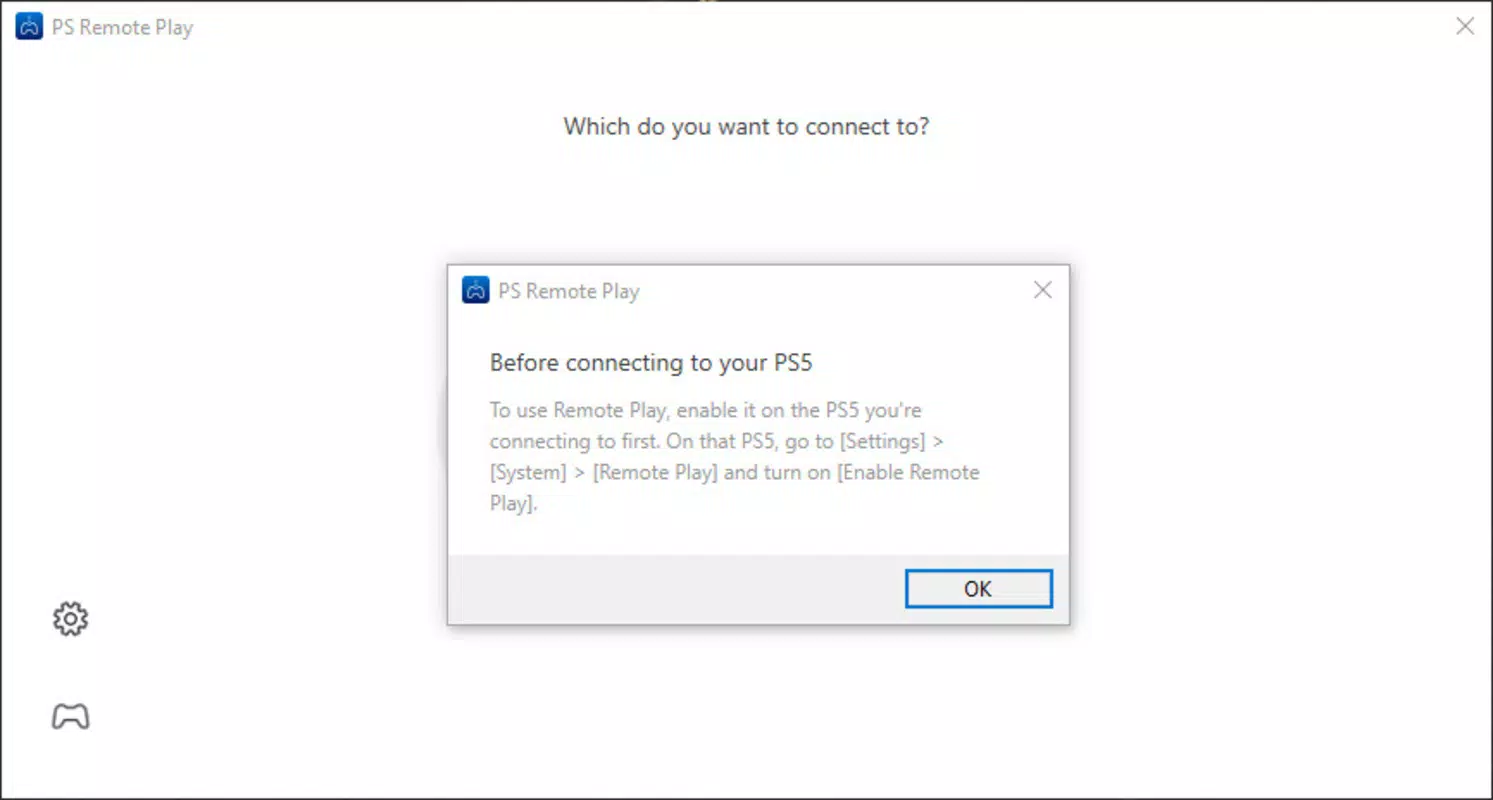
- Remote Console Activation: With this feature, users can power on their console remotely, enabling background downloads of game updates and system patches before returning home.
- HD Video Streaming: PS Remote Play allows users to stream high-definition video content stored on their console, including movies, TV shows, and recorded gameplay, directly to their PC or mobile device.
- Seamless Cross-Platform Integration: The app is optimized for use across Android, iOS, Windows, and macOS, ensuring consistent performance and functionality regardless of the user’s primary device.
For example, a user can start a game on their PS5 at home while traveling, using their laptop to continue playing. Another common use case involves activating the console remotely to begin a system update during the day, ensuring the console is ready for immediate use upon returning home. These features collectively enhance productivity, convenience, and entertainment value, making PS Remote Play a powerful tool for modern gamers.
Interface, UX & Performance
The user interface of PS Remote Play is clean, intuitive, and designed with usability in mind. The layout prioritizes essential controls—such as navigation, game launching, and controller input—while minimizing visual clutter. Navigation is consistent across platforms, with a focus on touch-friendly gestures on mobile devices and mouse-and-keyboard compatibility on desktops.
Visual style leans toward minimalism, with a dark theme that reduces eye strain during extended gaming sessions. The app dynamically adjusts its interface based on screen size and input method, ensuring optimal readability and responsiveness. Input latency is generally low when using a stable Wi-Fi connection, contributing to a smooth and immersive experience.
Although the developer did not list formal performance metrics, the app demonstrates solid responsiveness across a range of devices. Stability is maintained during extended use, with minimal crashes or freezes reported in standard usage scenarios. The app efficiently manages bandwidth usage, adapting video quality based on network conditions to maintain consistent performance.
Platform Compatibility & Technical Requirements
PS Remote Play is available on Android, iOS, Windows, and macOS platforms, offering broad accessibility for users across different ecosystems. The app requires a minimum operating system version that is compatible with the latest PlayStation console firmware, though specific requirements were not listed.
The application size is 100 MB, which is relatively compact for a streaming and control tool. This lightweight footprint ensures quick installation and minimal impact on device storage. Users are advised to ensure their console is running the latest system software to maintain full compatibility with the app’s features.
While the developer did not specify minimum OS requirements, users are encouraged to keep their devices updated to the latest versions to benefit from optimal performance and security patches.
Pros and Cons
Pros
- Enables remote access to PlayStation 4 and 5 consoles from multiple devices
- Supports official PS4 and PS5 controllers for authentic gameplay
- Allows remote power-on of the console for background updates
- Delivers high-definition video and game streaming
- Free to download and use with no in-app purchases
Cons
- Requires a stable and high-speed internet connection for optimal performance
- Dependent on the console being powered on and connected to the same network
- Streaming quality may vary based on network conditions and device capabilities
- Not available on all platforms outside the supported list
- Remote console activation may not work in all network configurations
FAQ
Is PS Remote Play free to use?
Yes, PS Remote Play is available at no cost. There are no in-app purchases or subscription fees required to access its core features.
Can I use a PS4 or PS5 controller with PS Remote Play?
Yes, official PlayStation 4 and 5 controllers can be connected via USB or Bluetooth to the PC or mobile device running the app.
Do I need to keep my console on to use remote play?
Yes, the console must be powered on and connected to the same network as the device running the app. Remote console activation allows you to turn it on remotely.
What internet speed is required for smooth gameplay?
While specific speed requirements were not provided, a stable connection with at least 5 Mbps is recommended for HD streaming. Higher speeds improve responsiveness and video quality.
Is PS Remote Play safe and secure?
Yes, the app uses encrypted connections to protect data during transmission. Sony Interactive Entertainment implements standard security protocols to safeguard user accounts and device access.
Final Thoughts
PS Remote Play stands out as a vital tool for PlayStation 4 and 5 users seeking flexibility, convenience, and enhanced control over their gaming experience. Its ability to stream games, manage console functions remotely, and support official controllers makes it a powerful extension of the PlayStation ecosystem. Whether you're updating your console on the go or continuing a game session from your laptop, the app delivers real-world value.
Its free availability, cross-platform support, and seamless integration with existing PlayStation services make it a must-have utility for any console owner. For those who value mobility and uninterrupted access to their gaming library, PS Remote Play offers a compelling solution.
Download PS Remote Play now


